


Overview
DESCRIPTION
THIS RESOURCE REPLACES ALL BINCO STORES
FEATURES:
- New style
- New main room
- Fitting rooms
- Immersive environment
- Editable TEXTURES and SIGNS
Installation
- 1.Extract the archive you received after purchase into a temporary folder.
- 2.Copy the resource folder into
resources/on your server (e.g.resources/[maps]/resource-name). - 3.Add the resource to
server.cfg, after any dependencies:ensure resource-name - 4.Restart the resource (or the whole server) and check the console for any loading errors.
- 5.Go to the in-game location listed on the product page to confirm the interior/rework is visible and that collisions, doors, and lighting work correctly.
- 6.If the resource replaces a vanilla interior or exterior, make sure no other resource is already removing/hiding the same IPL, to avoid conflicts between two systems acting on the same object.
Missing textures or collisions? Make sure you copied the entire resource folder, including the streamed assets (.ytd, .ydr, .ybn, .ymap, .ytyp), and that no file was excluded when extracting the zip.
You might also like
- In All Maps Access
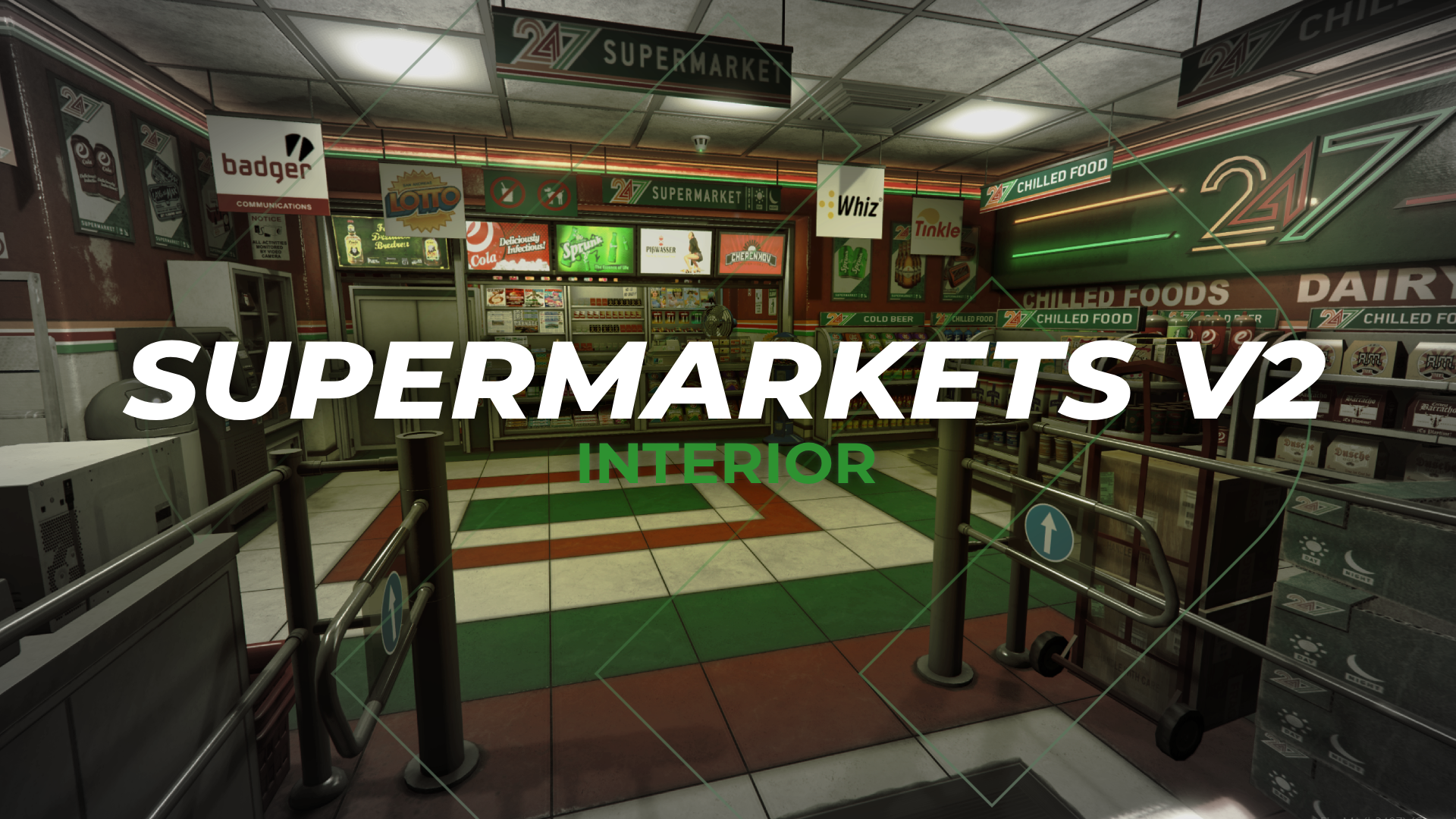
24/7 Supermarkets V2
Reworks€23.99
€29.99
- In All Maps Access
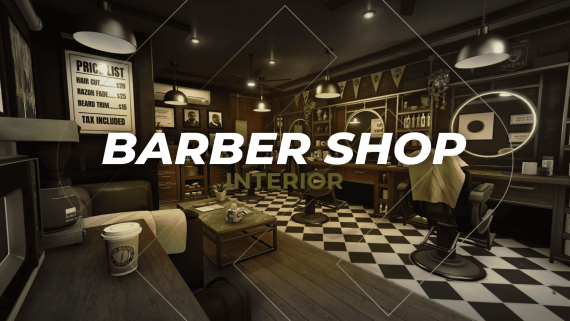
Barber Shop
Reworks€19.99
€24.99
- In All Maps Access

Ltd Gasoline Stations
Reworks€19.99
€24.99
€19.99
-20%€24.99